Showing posts with label robotics. Show all posts

Thursday, November 10, 2016

Full STEAM Ahead: The Value of Family STEAM Nights


As a new school year begins educators are faced with the age-old dilemma of “how do we get families to be involved?” It’s not a new phenomenon- parents work, siblings have after school sports events, children live in multiple households due to divorce- all of these things leads to a lack of connection between the school culture and the home culture. Every year educators scratch their heads wondering “How can we get them to read our email? Watch our video? Respond to notes we send home?”

We seek new and inventive ways to connect with families- through mediums like the use of social media, Remind texting, or mass phone calls. But the question remains...what would make these families want to be a part of the school community? Research shows ““When schools, families, and community groups work together to support learning, children tend to do better in school, stay in school longer, and like school more.” That’s the conclusion of A New Wave of Evidence, a report from Southwest Educational Development Laboratory (2002)” (http://www.nea.org/tools/17360.htm).
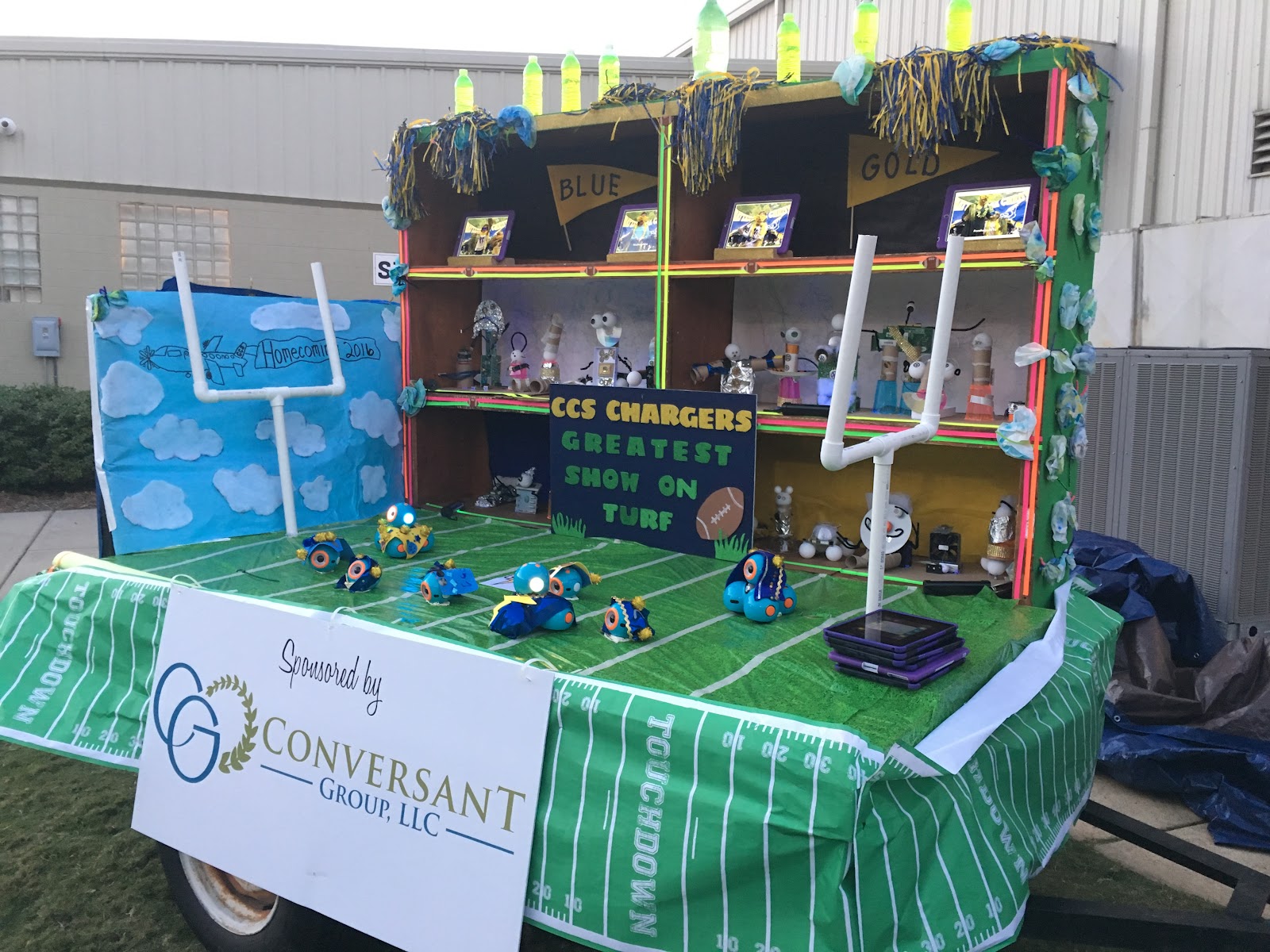
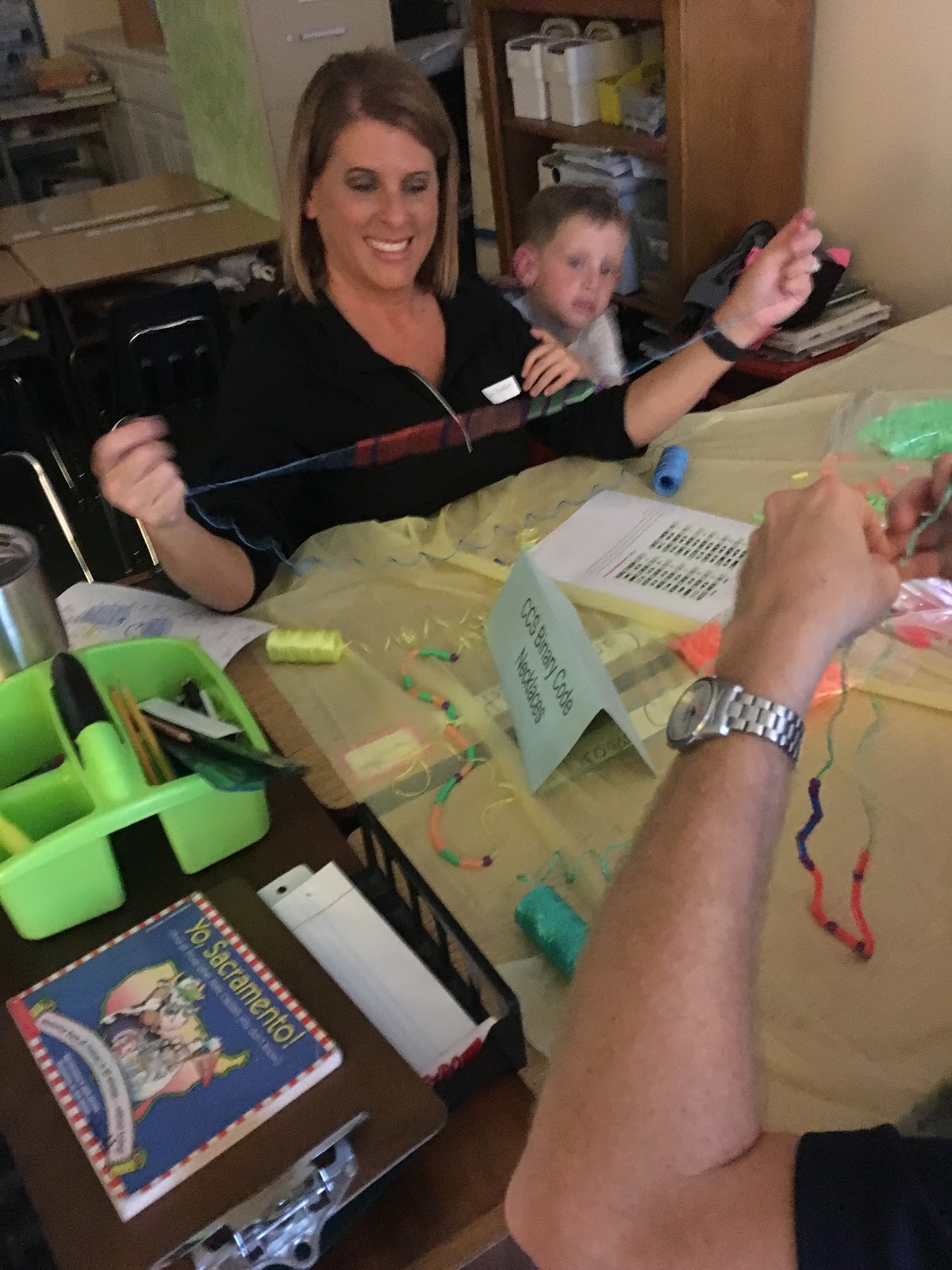
IMG_5996.JPGThis year due to a generous grant from a benefactor, we have been able to increase the magnitude of our STEAM-based (science, technology, engineering, the arts, and math) curriculum at our school. So what we are trying at our school this year is to have one STEAM Family Night per semester. Getting families engaged early in the year and showing them the benefits of STEAM education is the goal. So why not create a family STEAM night that coincides with homecoming week?

We are sent out an invitation for a Family STEAM Night happening in October. Our focus was to prepare a float for homecoming that represents all the great things going on in the elementary school in regards to science, technology, engineering, the arts, and math as well as have some “take home options” for attending families. There were multiple rooms set up where students and their families had hands-on night of learning and creating. A parent was required to be present and participating with students throughout the evening.

Things to consider when having a STEAM night:
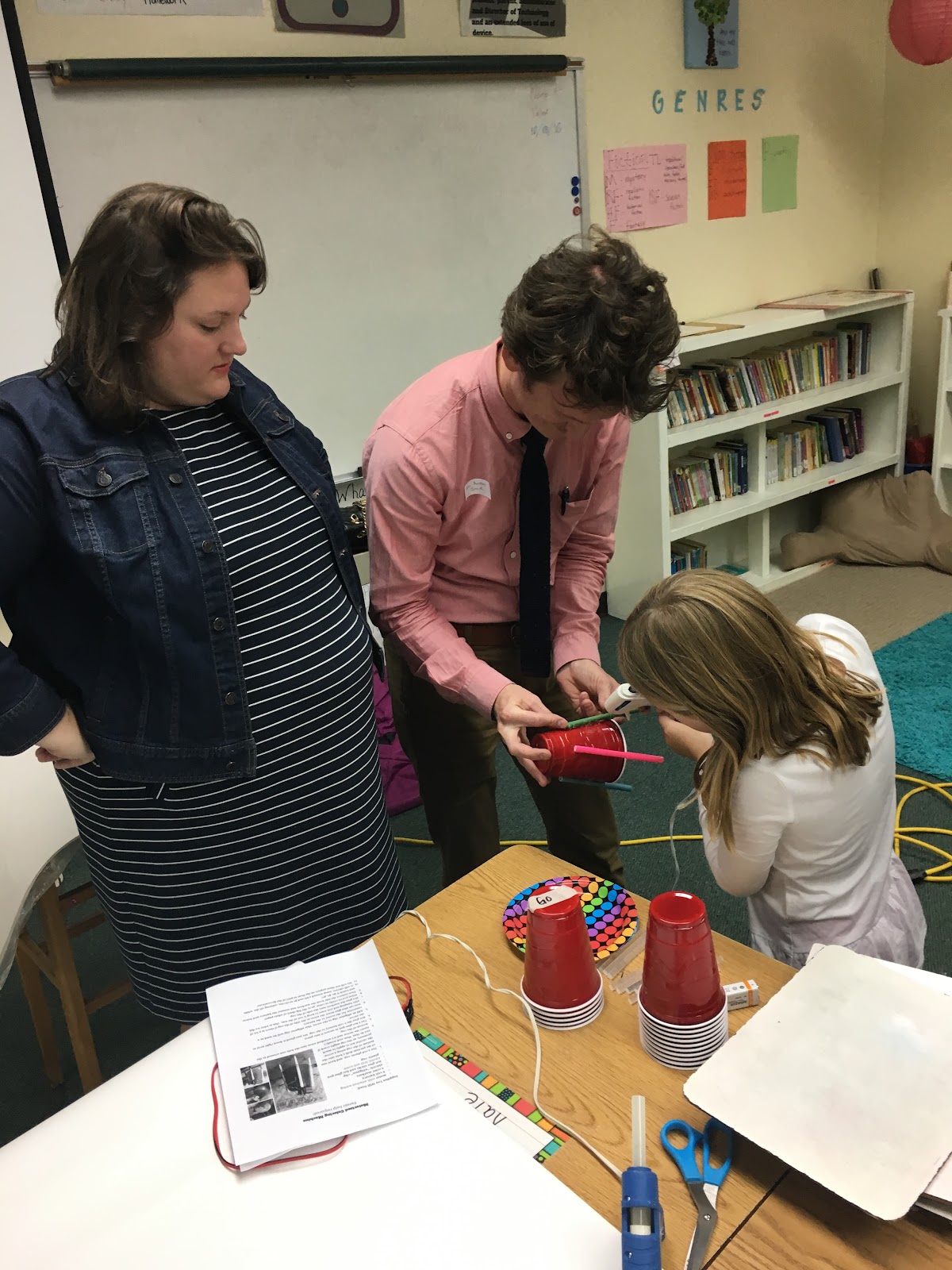
  • Require parents to participate with their child. This may sound manipulating to get parent involvement but many STEAM activities are dirty, maybe even dangerous, if not done correctly. Having parents participate does two things: Gives extra sets of helping hands and creates a culture of belonging. When a student knows there is a STEAM night, they are going to want to come. As parents know, pressure from your child to do something is a powerful thing.
  • Have a signup form for families. We have 400+ students in our elementary. That could mean 20 families or 300 families might show up for STEAM night. Creating a signup form allows you to spend time preparing adequately- without over preparing as well.
  • Pick a theme. This first STEAM night will be based on the homecoming theme for our school “The Greatest Show on Turf.” Themes help to build unity for your evening, especially if you plan to have more than one STEAM night throughout the school year.
  • Look for resources. There are plenty of great resources for STEAM Nights on Pinterest, makewonder.com, and there are many schools blog about STEAM night experiences as well. I personally use my Twitter account and search the hashtags #STEM and #STEAM to find resources.


Our plan was as follows:

Bolt Up room-
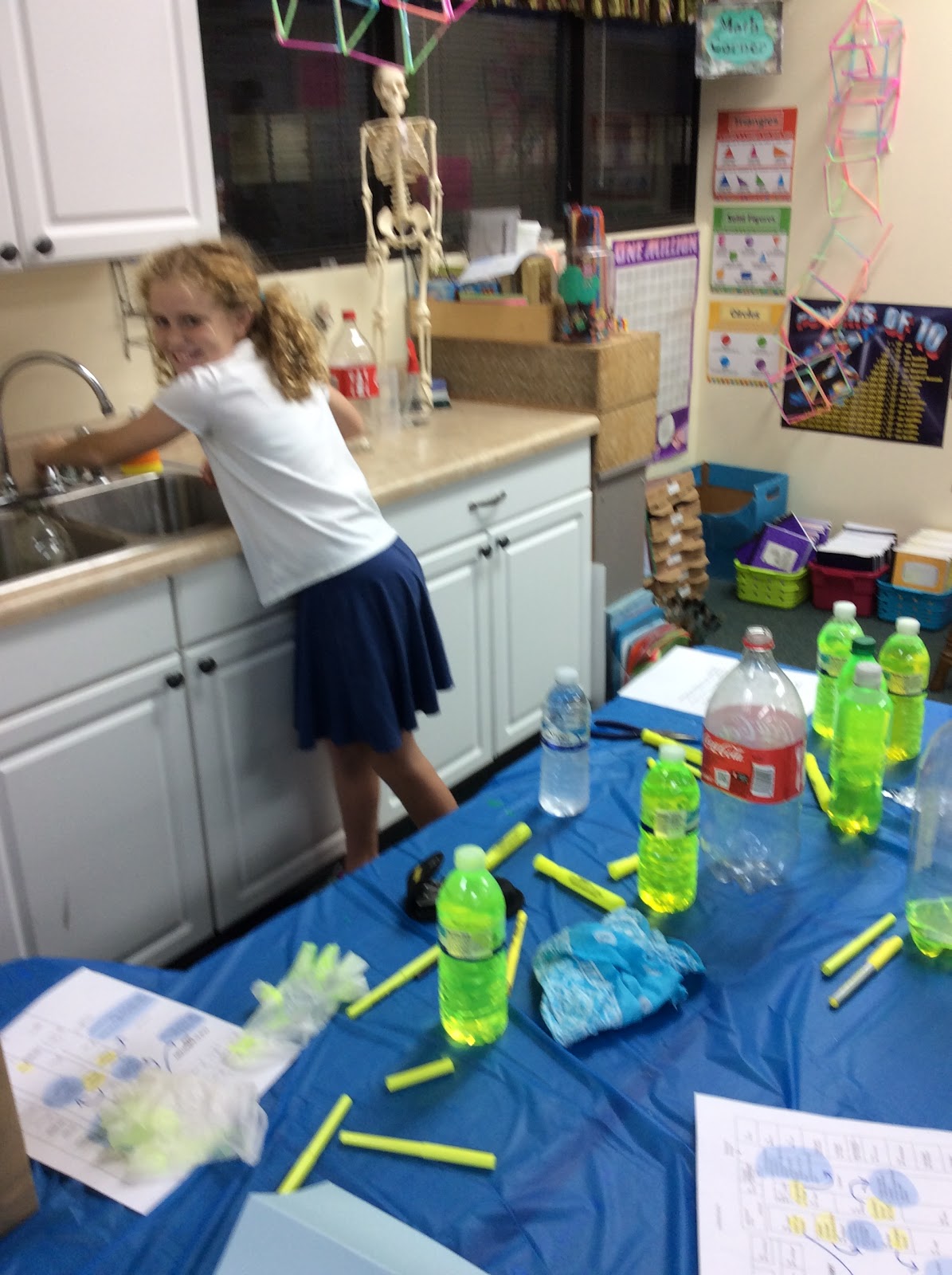
 Make lightning (didn't work well): http://www.learnplayimagine.com/2013/04/how-to-make-lightning.html?m=1
Light Up Lifesavers: http://discoverykids.com/activities/light-up-lifesavers/
Learning more about Dash and Dot:    https://www.youtube.com/watch?v=XluvddnVqmg

Engineering A Float room -
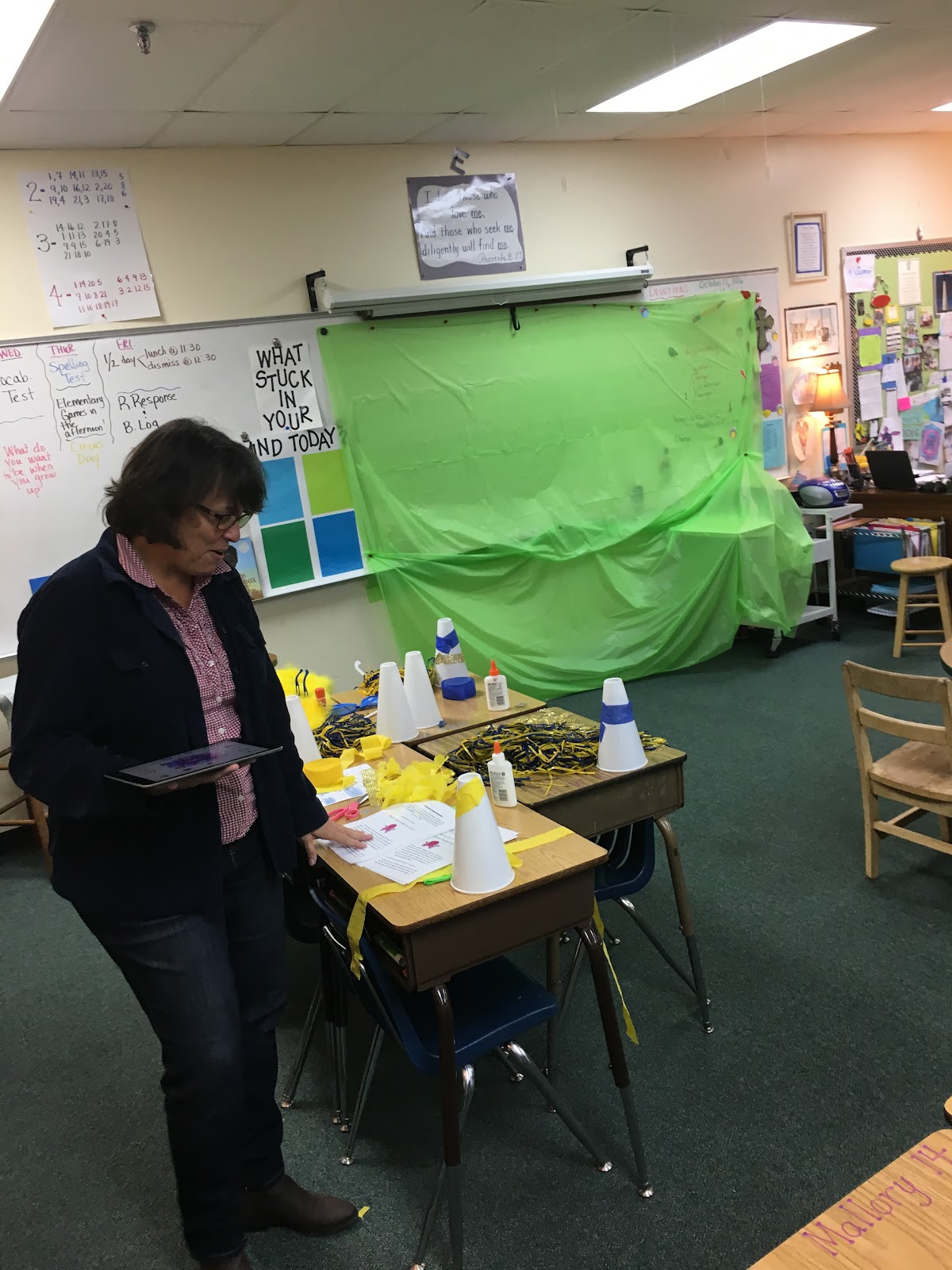
Prior to the actual STEAM night all the pieces for the float will be cut and ready to put together waiting for student/parent help. The actual building of the float out of wood will take place in this “room” on STEAM night.
Chromatography art for decorating float: https://www.pinterest.com/pin/26106872821004092/

Chargers room-
Dress up Dash and Dot robots as cheerleaders, fans, and football players (idea adapted from: http://coolmomtech.com/2015/08/dot-and-dash-coding-projects-wonder-workshop/)
Learn about Circuitry: Different Little Bits circuitry challenges were available
Create Steampunk robots out of old computer parts: https://www.pinterest.com/explore/steampunk-robots/

Greatest Show on Turf room-
(creation of tree and science experiments on grass)

Green Screen Productions-
Using the app Green Screen by DoInk have students use photo booth props to create videos of themselves as Charger fans. https://www.youtube.com/watch?v=QlH3h19ablI

I think it is fair to say this was a successful STEAM activity. STEAM night allowed families to bond, created communication/connections and a sense of belonging and ownership in homecoming week. It also gave parents a taste of the great opportunities their students are participating in weekly in the classroom settings.

IMG_5869.JPG73BCA1C0-60DE-4C73-9517-C8811E1D0F83.JPGIMG_5871.JPGIMG_5872.JPG


Thursday, September 1, 2016

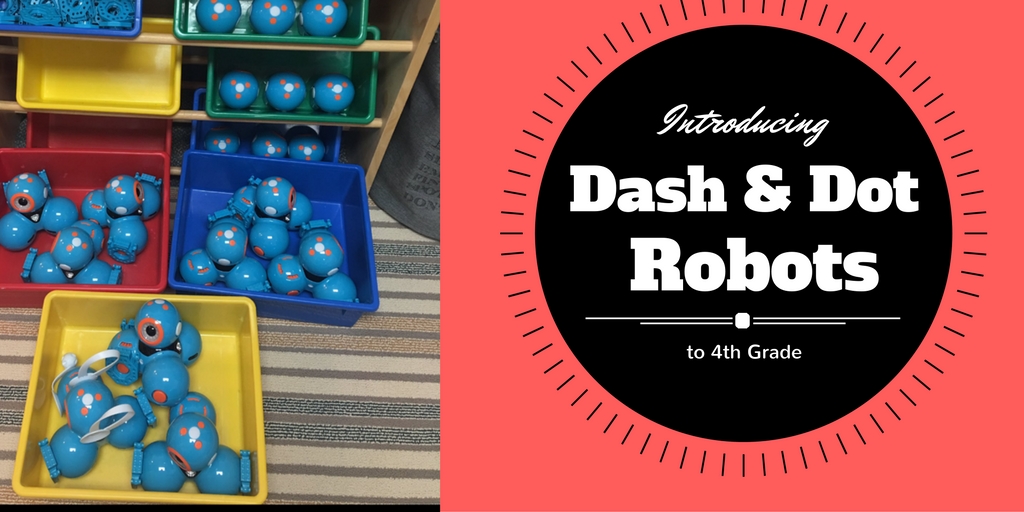
Introducing Dash and Dot to Fourth Grade


by Jessica Yandell

Over the next few weeks, my goal is to make it into each grade level and introduce Dash & Dot. Over this school year, my plan is to create lessons and projects that incorporate our smart robots and pertains to each grade levels thematic units.


Last week, I had the opportunity to visit all of the fourth-grade classrooms and give them an overview how to program Dash & Dot using the Blockly app.  The Blockly app is more advanced than the Go app that I used with the lower grades and is recommended for ages eight and up.  I started their STEAM lesson by sharing a powerpoint that demonstrated how each block category on the Blockly app is used. I referred back to the lesson, “Explorers of Coding,” and reminded the students they have to give specific instructions when writing programs.  


As an introductory lesson, I let the class split into groups of four to practice programming a Dash robot using the Blockly app.  Their goal was to use at least one block from every category in their program.  At the end of class, I allowed each group to share the programs they had written.  I concluded the lesson by re-emphasizing how important it is to code specific instructions, or else the program may contain an error.


This has been an awesome opportunity for our fourth graders to explore coding and technology and apply their experiences in the classroom as they study the “Age of Exploration.”  (lesson adapted from maekwonder.com)

Thursday, August 25, 2016

Introducing Dash & Dot Coding to 3rd Grade


Introducing Dash & Dot: Unplugged 1 of 2
Lesson Plan for 3rd Grade
Prepared by Ms. Yandell

OVERVIEW & PURPOSE

The purpose of this lesson is to introduce the students to Dash & Dot smart robotics.  They will be introduced to programming and how it is used to make robots to certain functions.  This will be a two part lesson, the first being an unplugged experience.

EDUCATION STANDARDS

ISTE Standards (technology standards)
Creativity and Innovation - Students demonstrate creative thinking, construct knowledge, and develop innovative products and process using technology.
Critical thinking, problem solving and decision making - Students use critical thinking skills to plan and conduct research, manage projects, solve problems, and make informed decisions using appropriate digital tools and resources.
  • Use multiple processes and diverse perspectives to explore alternative solutions
Technology operations and concepts - Students demonstrate a sound understanding of technology concepts, systems and operations.
  • Understand and use technology systems
  • Select and use applications effectively and productively
  • Troubleshoot systems and applications
  • Transfer current knowledge to learning of new technologies

OBJECTIVES

  1. Comprehension
  2. Problem Solving
  3. Creativity
  4. Planning out a series of instructions
  5. What comes to mind when you hear the word robot?
  6. What is a robot?
  7. What is a computer program?
  8. Why do we use computer programs for Dash & Dot?
  9. What are things that robots can be programmed to do?
  10. What are things that robots can do to help our community?

MATERIALS NEEDED

  1. Dash & Dot
  2. 10 Ipads
  3. Pencil and Paper

VERIFICATION

Steps to check for student understanding
  1. After today’s lesson, will you all be ready to program the dash robots perform different functions?
  2. How does programming work?
  3. Were you able to work well in your group, and give proper instructions to your puppeteer?
  4. If things did not go well, what could you have done differently?

ACTIVITY

Unplugged activity - Puppeteer
First demonstrate this activity with you, the teacher, as the ‘puppet’ and the class giving instructions.
Pass out Puppeteer Sheet 1. Make students believe that you have not seen what is on the sheet. Instruct students to direct you to draw the sketch on the sheet. Show students how specific the instructions need to be.
  • The instructions must include quantity and specificity.
  • If a student says “draw a circle,” draw a tiny circle, or if a student says “draw a circle inside of a square,” make the square much larger than the circle to show that size is required.
  • If a student says “draw a circle and a square,” draw the shapes side-by-side, or if a student says “draw an arrow”, draw it far from the other objects, or at the wrong angle to show that position is required.
Then, pair students up and give one student in each group Puppeteer Sheet 2. This student is the puppeteer of the group. Instruct puppeteers to make sure their partner does not see the sketch on the sheet. Instruct puppeteers to direct their partner to draw the figure on the sheet.

First Activity with Dash & Dot - introduction

  • Teacher holds up the robots (starting with Dash)
  • Ask the students some questions - If we want to work with this robot, how do we get started? Once they mention that you have to turn it one, ask them for where they think the on/off switch is?
  • Turn on Dash
    • Notice that at this point the students can name Dash.
    • At this point Dash will make some noises. Students will automatically wonder where those sounds are coming from.
    • They will also notice that Dash will move his/her head and colors will be displayed. Use this opportunity to point out the different “features” of Dash (wheels, sensors, buttons, speaker, colors, etc)

Second Activity with Dash & Dot - “Go” App

  1. Display the app controls through the projector onto the board at the front of the room
  2. Look at the different “icons” and again ask the students what they think will happen.
  3. Once the class has gone through all of the sounds, then place the robot on the floor and experiment with the different options.
  4. Watching Dash move around will cause even more excitement for the students. Give different students a chance to pick different options to see what happens.

Third (and final activity) with Dash & Dot - “Path” App

(make sure that Dash is on the floor, or somewhere where he/she can’t get hurt)
  1. Teacher will display the “Path” App
  2. Start with the first App which is basically a grid. Hand the iPad to one of the students have them draw a line with their finger. Might want to start off with a simple straight line. Depending on the amount of floor space available will determine how much of a line you wish to have the student draw. (You can also leave it to trial and error, so that the students can see what happens when Dash runs out of room … runs into an obstacle)
  3. Ask the students what they think will happen.
  4. How much space is one square?
  5. Drag up the different sound effects to see what happens.
Basically this activity is all about exploring the app. Have the students try different things, ask them to think about what might happen, does what happen fit with their hypotheses (or expectations), if not, why not?

Recap written by Jessica Yandell:


This week, in one of the third grade classrooms I was able to introduce my good friends, Dash & Dot!  The focus of this lesson was to get the students thinking about coding programs, and introduce them to the apps and the robots.  I knew that the kids would be excited, so I decided to do their unplugged activity before introducing Dash & Dot.  This was a two part activity which was called puppeteer.  


The first part of the activity, the whole class was to act like a puppeteer, and tell me step by step how to perform a task. I gave each table a piece of paper to share with a picture of an object on it, and the goal was for everyone in the class to tell me how to draw the object using only verbal cues.  They had to be very specific in giving their directions in the proper order to ensure I drew the correct object.  Everyone was excited and engaged, and if I drew something wrong they say, “no, the line does not go vertically it is supposed to go diagonally through the object.”  The students were learning how important it is to follow a specific sequence of instructions to be successful, which is the basics to coding!


Next, I allowed the class to separate into groups of two, and do the same activity with a different picture. One partner drew the object, whereas the other member gave the drawing instructions, and made sure their partner did not see what the object looked like.  This was a fun exercise to start with, because it allowed collaboration and persistence to be successful!


The last part of the lesson was presenting my new “friends.”  I called two volunteers, which I let them uncover what was in my bag!  The whole class was excited!  We talked briefly about what robots are and things that they can do.  I wanted them to understand how our society uses them for many things, such as in the medical field, agriculture, etc.  We started running out of time, so I briefly showed the students that I used apps to write programs which tell the robots what to do.  Before the lesson, I had programmed Dash & Dot to perform and introduction for the students, where they said, “hello, nice to meet you,” and “ awe man, you’re making me blush!”  The kids loved it and were thrilled they would be able to use them for future projects!


(lesson adapted from makewonder.com)

Thursday, August 11, 2016

Charging full STEAM ahead in lower school!

Our lower school has been working hard for the last two years to create integrated thematic units that create cross-curricular connected opportunities for learning. Research has long shown the value of connection and CCS has worked hard to embrace thematic units more deeply for next year. Because nothing ever happens by chance, God has also allowed the lower school the opportunity to put "hands and feet" to these units through a generous grant from The Conversant Group. For those of us working, plotting, and planning towards more STEAM (Science, Technology, Engineering, and Math) endeavors for our lower school students, this grant fell into our laps much like manna from heaven! It has allowed our school to fast forward our desires and goals for more STEAM experiences in the elementary school.

What does this look like? As the technology coordinator in the lower school, it has been my desire to create opportunities for more computer science enriched endeavors for our students at every grade level. With this grant, we were able to hire our STEAM coordinator. She and I will work together with our curriculum coordinator and teachers to create project-based learning (PBL) opportunities that directly build on the thematic units our teams of educators have been working on for the last two years. Project-based learning will become the "hands and feet" of these great units! The beauty of PBL is that it creates authentic learning opportunities for our students and gives them some voice and choice in the direction of their learning. Because PBL is often a team approach, it will teach the important 21st century skill of collaboration to our students. Our students will have multiple opportunities throughout the year to work with our team as we co-teach with the classroom teachers to provide these rich project-based learning experiences that may include things such as coding, 3d printing, videography, engineering, and problem solving opportunities. But that's not all...

The 2016-2017 school year also brings the concept of Friday elective days for our fourth and fifth grade students. These students will be able to choose from a variety of learning opportunities including anything from knitting to mountain biking, but due to our grant every quarter at least one offering will be an experience to enhance STEAM learning. Quarter long opportunities in coding, circuitry, 3d printing, and robotics are just a few of the things on the drawing board for our students. Speaking of robotics, Mrs. Yandell will also be heading up two after school opportunities that will include the first ever lower school robotics team and a circuitry after school learning experience as well! Last year our middle school had its first ever robotics team that received many accolades, we want to do the same in the lower school and build an even stronger foundation for robotics at CCS!

According to The New York Times, 65% of elementary students' jobs aren't a reality yet and many of them will be STEAM based. By exposing our students to a variety of STEAM activities we feel we are preparing them to think positively and expectantly towards the future before them. It's exciting times in the lower school as we are charging full STEAM ahead with our students!